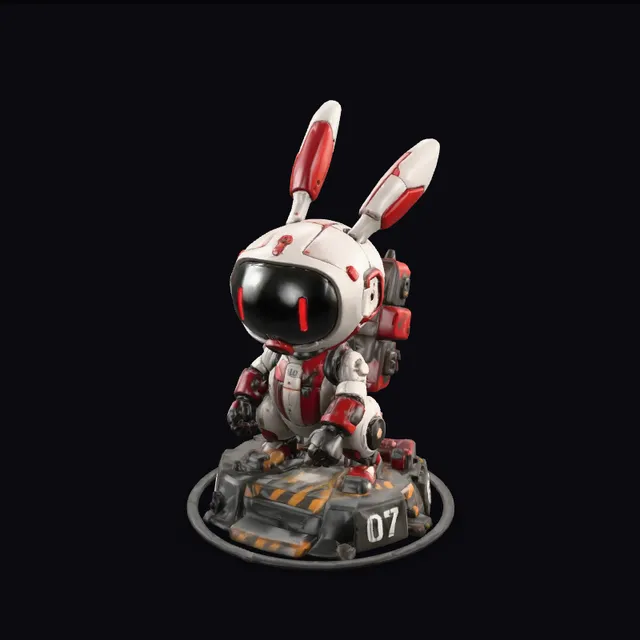
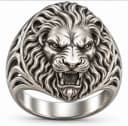
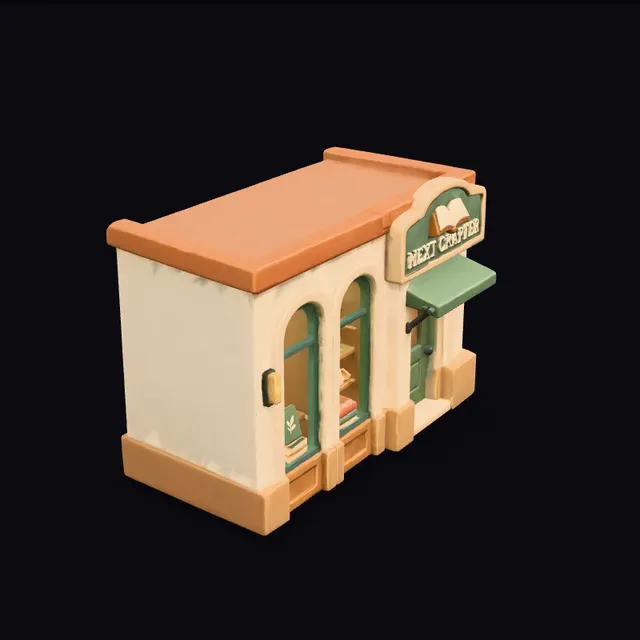
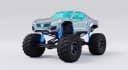
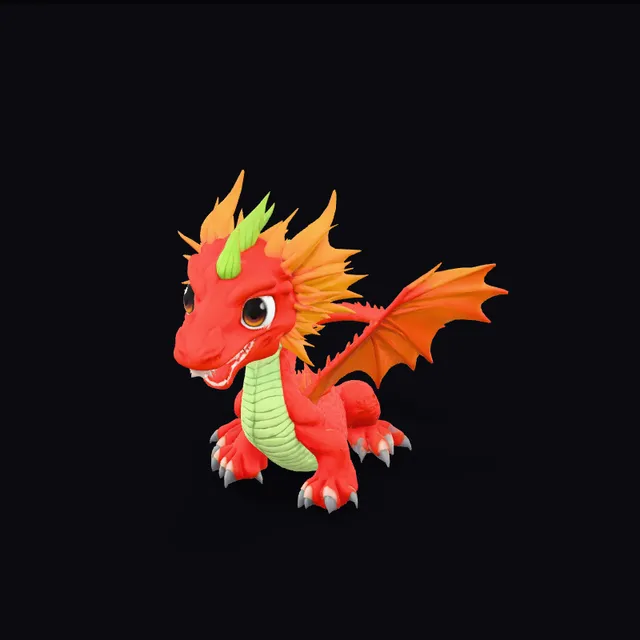
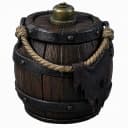
Textured model · 3 credits GLB download free Commercial license on paid plans
One photo in. A real 3D file out.
No modelling skills, no plugins. Drop an image, wait a few minutes, and check the result from every angle before you download it.
From a single snapshot
A product shot, a pet, a toy or a sketch. Snapshapy reads the shape from one picture and builds the back it cannot see.
PNG, JPG or WebP upload
One object per image works best
Every model saved to your library
Snapshapy×
snapshapy.com/app
SnapshapyCreateMy models 37 credits
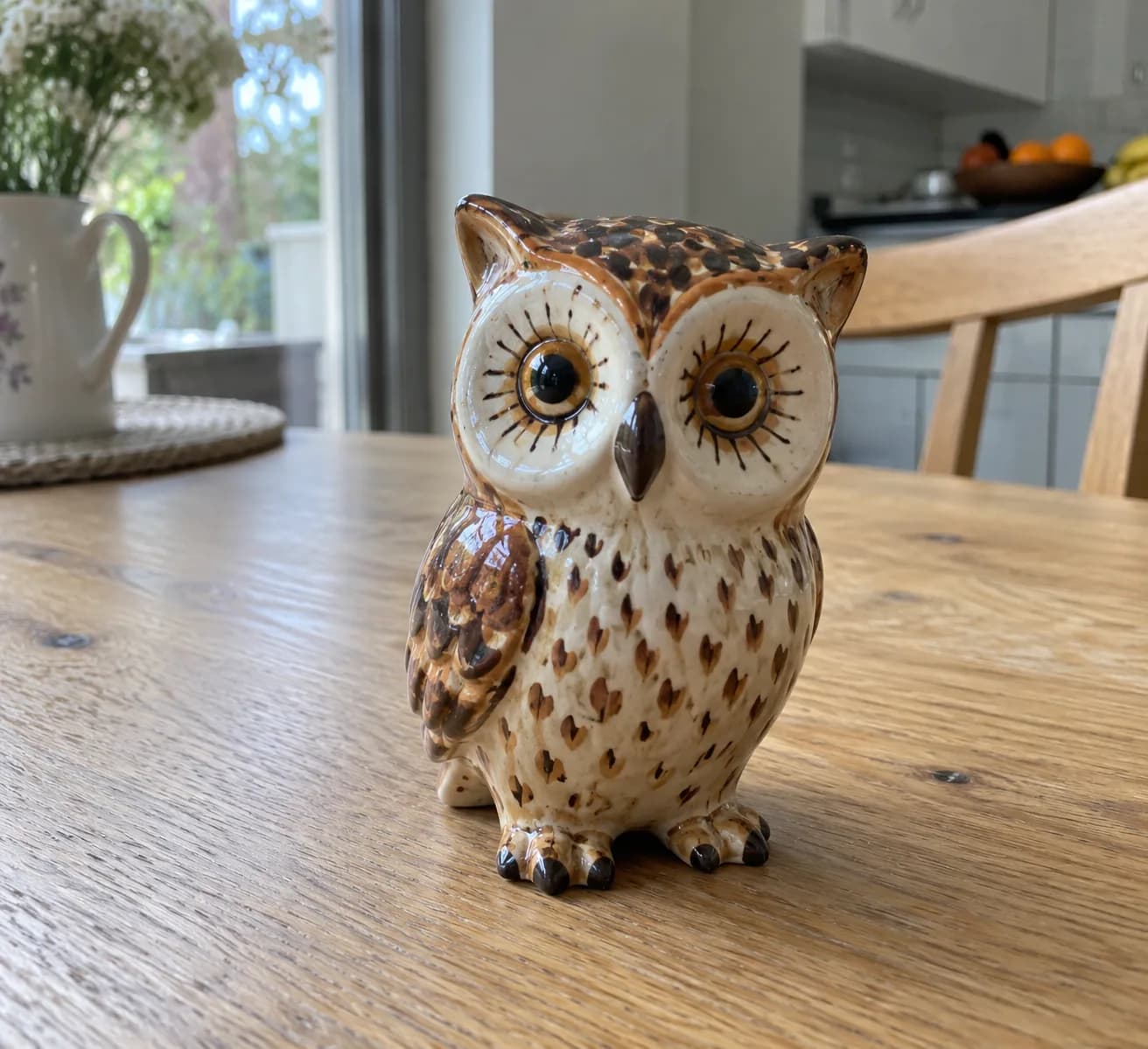
Image owl.jpg
Replace
Your model 3 credits
TexturedFull colour · PBR · 4–7 min
Export GLB · STL · OBJ · 3MF · USDZ
Generate · 3 credits
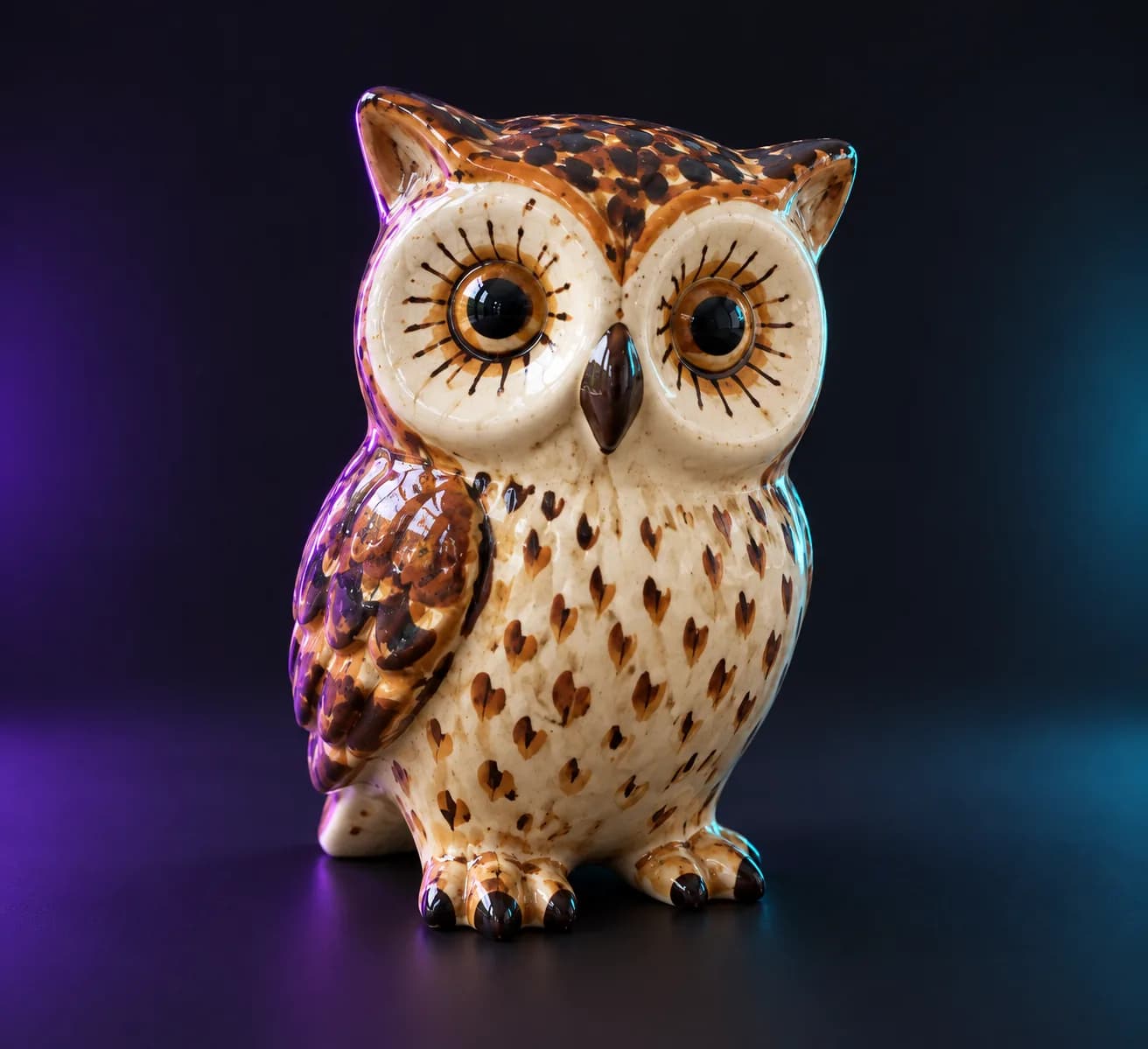
TexturedReady to download
Full colour, every time
Every model is a textured PBR mesh for 3 credits, with colour, roughness and normals included. Nothing to configure, and nothing cheaper to settle for.
Textured · 3 credits
Usually ready in 4–7 minutes
Credits come back if a job fails
Snapshapy×
snapshapy.com/app
SnapshapyCreateMy models 37 credits
Image sneaker.png
Replace
Your model 3 credits
TexturedFull colour · PBR · 4–7 min
Usually takes 4–7 min
Generate · 3 credits
Clay viewTextured view
Inspect it before you export
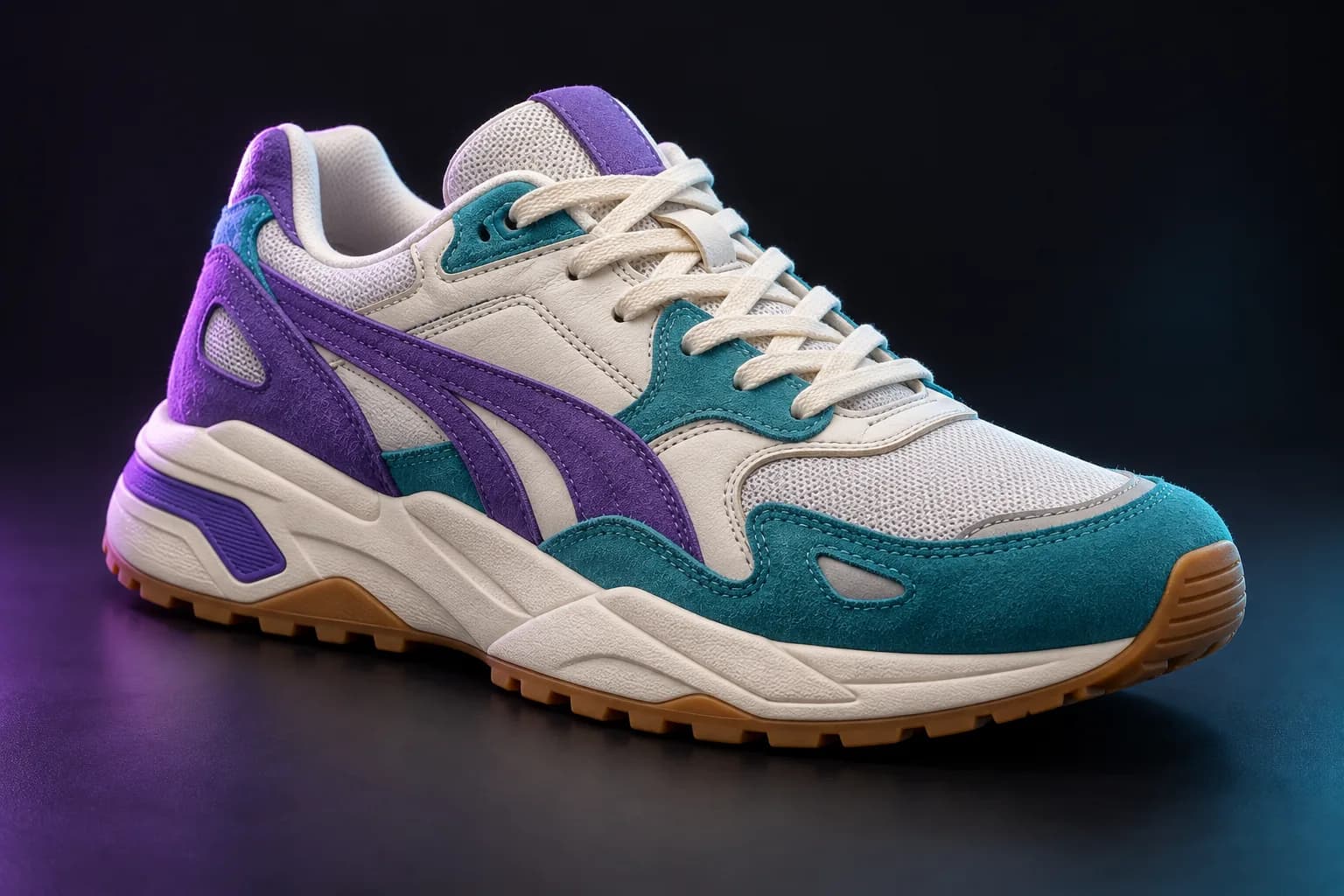
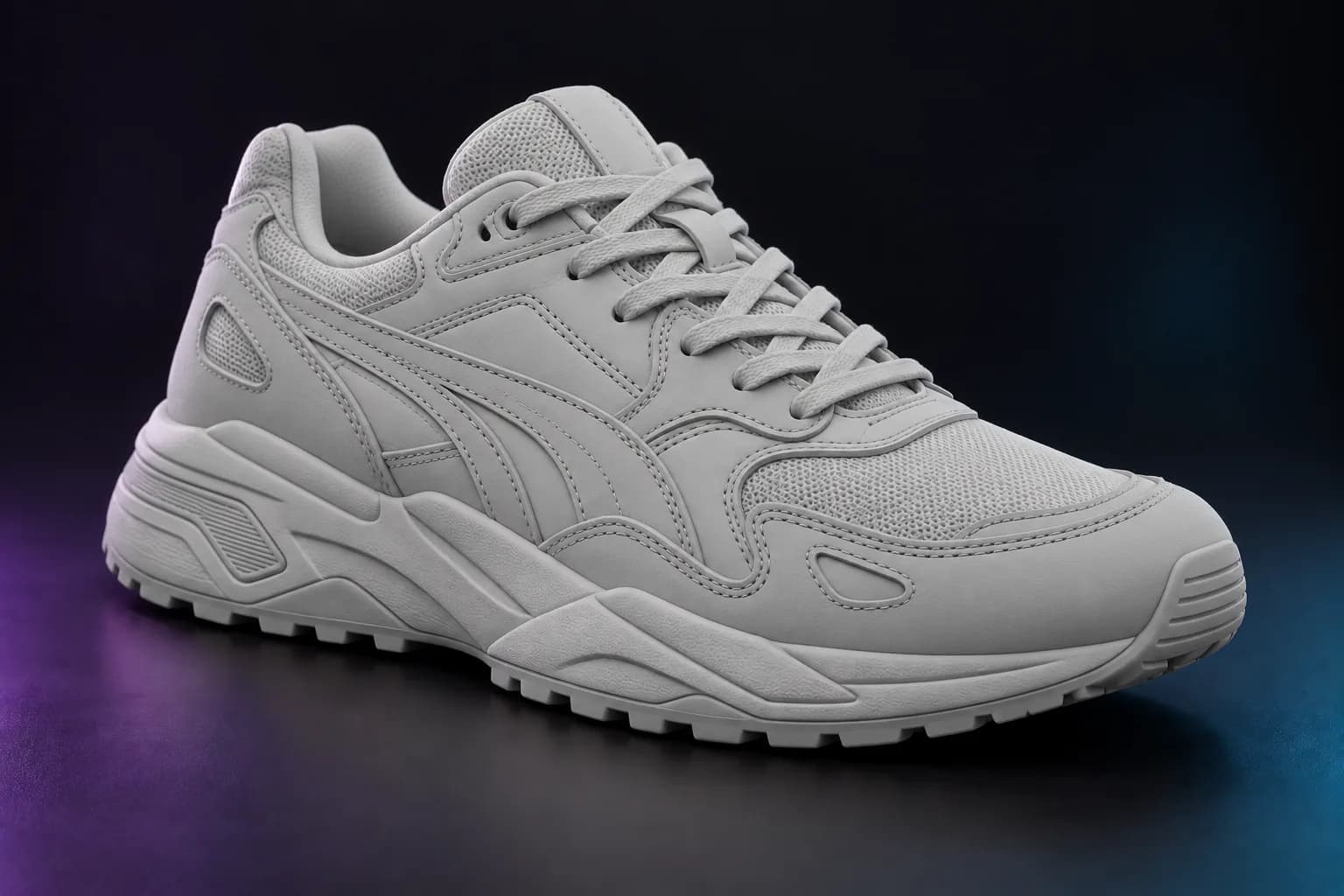
Spin the model in your browser and switch between textured, clay, normals and wireframe views to check the surface and the mesh.
Simple credit pricing, no subscriptions needed to try it.
1 image
Is all it takes
A photo, a render or a sketch of one object.
3 credits
Per textured model
Full colour, usually ready in 4–7 minutes.
5 formats
Export options
GLB, STL, OBJ, 3MF and USDZ.
Step 1 of 4
Upload one clear photo of a single object: a product shot, a pet, a toy or a sketch.
Step 2 of 4
Hit Generate. Snapshapy builds the shape and paints the texture in one pass, usually in 4–7 minutes.
Step 3 of 4
Spin the result in your browser and check it in textured, clay, normals and wireframe.
Step 4 of 4
Download GLB for free, or export STL, OBJ, 3MF and USDZ on a paid plan.
Your product photo, now a 3D model
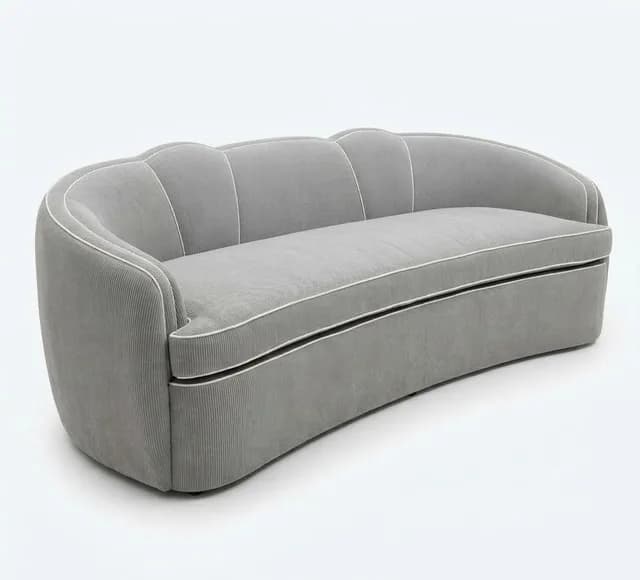
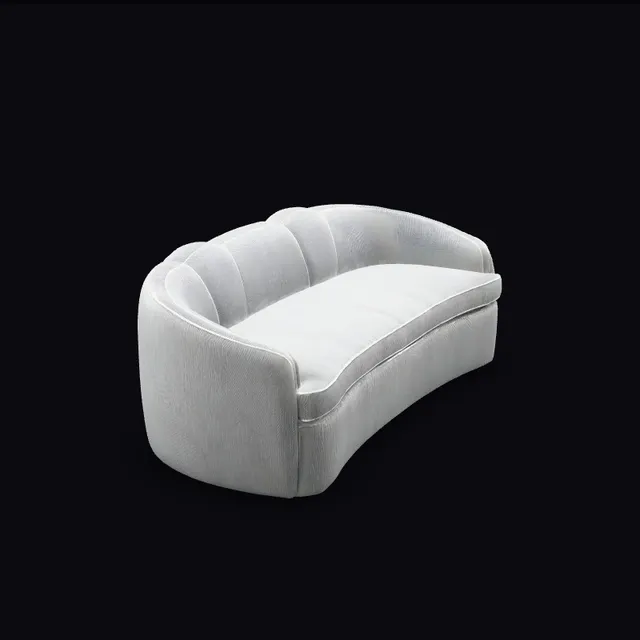
Shoot the thing you sell, upload the picture, and get a model you can put on a product page or open in AR with USDZ. Drag the sofa to check it from every side.
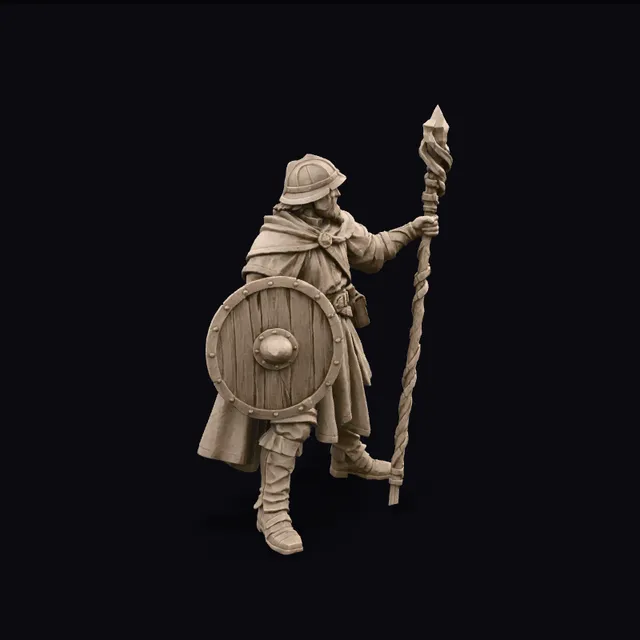
STL and 3MF carry the shape alone. Flip to the slicer view to see the viking exactly as Bambu Studio or PrusaSlicer will: ready to scale, support and slice.
Drag to rotate
Ready to slice
Pets, toys and sketches as minis
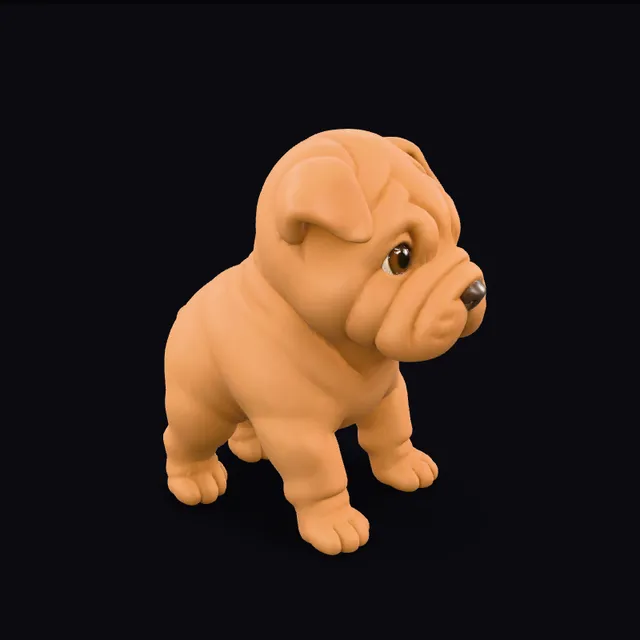
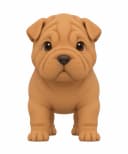
Snap the dog, a favourite toy or a doodle, print it in resin or PLA and paint it like any other miniature. This puppy came from one picture.
Opens in the slicer you already use
STL and 3MF are the formats every slicer reads, so there is nothing to install. Download, drag in, print.
Everything you need to know before your first model.
What does Snapshapy do?
Snapshapy turns a single image into a 3D model. Upload a photo or a drawing of one object, and a few minutes later you get a textured mesh you can spin in the browser and download.
How long does a model take, and what does it cost?
Every model is textured, in full colour, and costs 3 credits. Most are ready in 4 to 7 minutes. If a generation fails, the credits come back.
Which file formats can I export?
GLB downloads are free on every plan. STL, OBJ, 3MF and USDZ exports are included with the paid plans.
What kind of image works best?
A clear, well-lit photo of one object, ideally on a plain background and not cut off at the edges. Product shots, toys, figurines, pets, furniture and front-view concept sketches all work well.
Can I try it without paying?
Yes. You can make a model from the homepage without signing up, and every new account gets 3 free credits. No card is needed.
Can I use the models commercially?
Models made on a paid plan come with a commercial license, so you can sell prints, ship them in a game or use them in client work.